


DTF Transfer Gang Sheet Builder
Order by 1:00 PM for same day shipping.
Pickup available at Rankin Textile – Danbury, CT
Free Shipping on orders $100+
Description
Specifications
File Formats & Tips
Pressing Guidelines
Shipping & Returns
We want you to be 100% satisfied with your purchase. Read our full return policy here
How it works

1. Upload Your Designs
Click Upload Image(s) to add your artwork to the Gang Sheet Builder. Upload multiple designs at once to start building your sheet.

2. Set Your Sizes & Quantities
Enter the size and quantity for each design, adjust your margins if needed, then click Apply to add your designs to the gang sheet.

3. Review & Add to Cart
Review your completed gang sheet and make any final adjustments. Once everything looks right, click Save & Add to Cart to complete your order.

4. Real Human Review
Every gang sheet is reviewed by a real person before printing to help catch potential artwork or layout issues. Your transfers are then printed right here at Rankin Textile in Danbury, CT.
Fast turn around and love the quality!
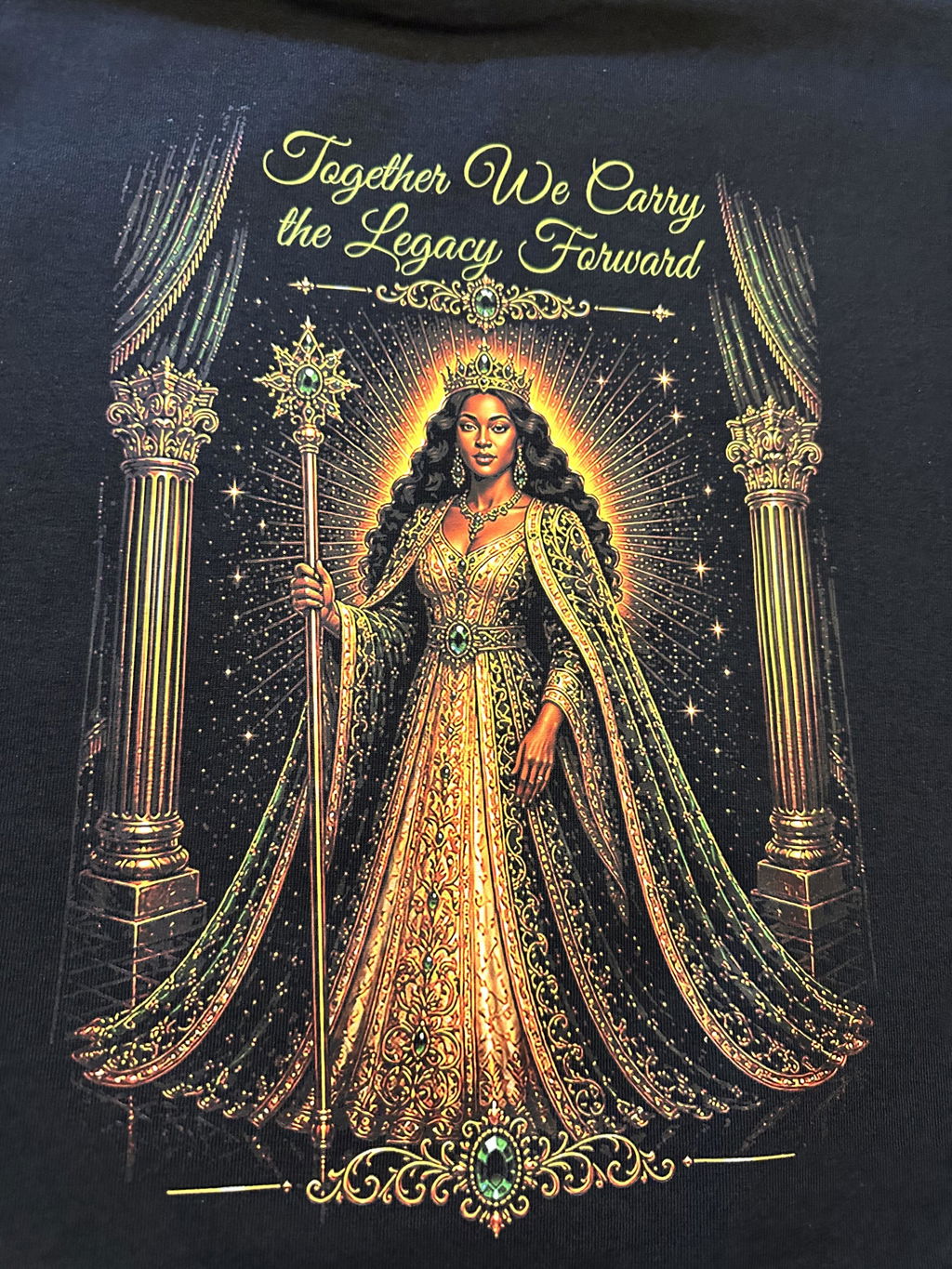
Great quality & fast turnaround!
Work better than ninja transfer. Ninja transfer wouldn't transfer despite the temp and pressure I used. Rankin gang sheet transfered perfect every time.